Trello: 
I like to work on my laptop when I do my homework so Trello is my favorite tool. Trello has more pros than cons.
Pros: Trello is easy to use. It can be used on your laptop so while you’re working you can just click over to the Trello tab and mark off your assignments as you go. It keeps all of your assignments in one place, all you have to do is scroll to the left or the right to see everything.
Cons: No reminders for assignments.
Study Scheduler: 
Study Scheduler was my least favorite tool.
Pros: Ease of use
Cons: I don’t like to use my phone while I do homework and Study Scheduler makes that literally impossible. You have to pick up your phone and go through all the prompt to use the app (collect noise and take a picture of your work station). Also, I never feel comfortable taking a picture of my work because often times I am taking quizzes and I don’t really know where the images go. Another con of this app is the fact that you have to stick to your schedule no matter what or you’ll have to completely change the assignment in the calendar. Even if something comes up and you have to do your assignment later, the prompt will pop up at the scheduled time and then you can’t change it.
OneNote (not my image): 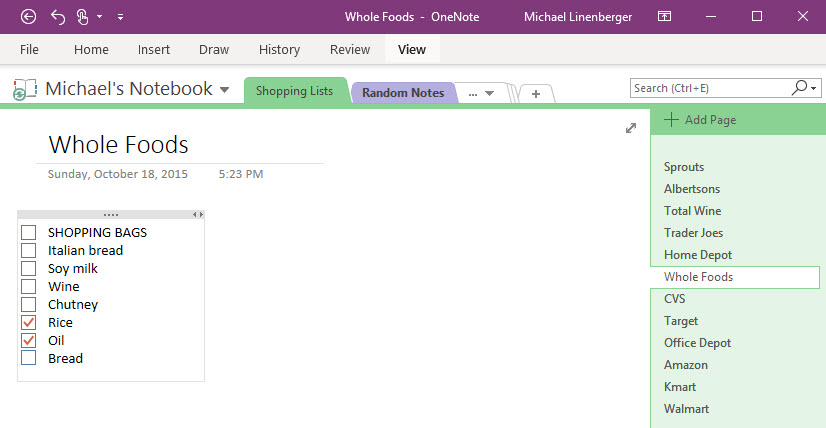
Pros: All your notes are in one place. You can change the notes from your laptop or iPad. You can upload pictures or documents to the notes.
Cons: You have to sign in to Microsoft Office. There’s no calendar linked to the app.
sources:
one note picture: https://www.michaellinenberger.com/blog/microsoft-onenote-confused-about-your-version/